
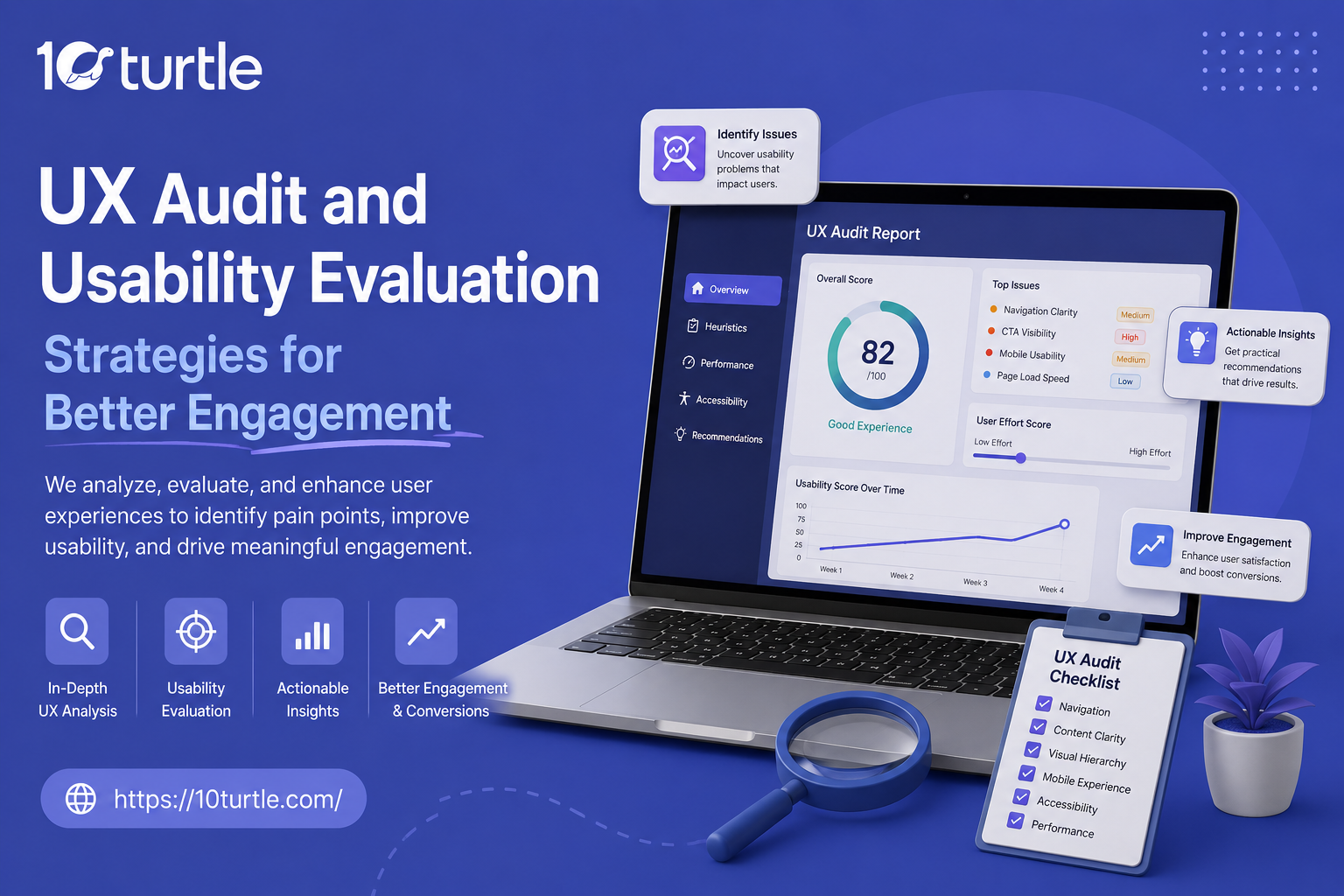
UX Audit and Usability Evaluation Strategies for Better Engagement
Every website owner in the United States wants the same thing: visitors who stay, explore, and convert. Yet most teams focus only on design trends while ignoring the foundation that actually drives results a structured UX audit. Without one, businesses often spend months guessing why bounce rates are high or why users abandon forms halfway through.
A well-executed UX audit combined with the right usability evaluation strategies can reveal exactly where users struggle and how to fix it. This guide breaks down practical, USA-focused strategies to help you improve user engagement metrics, streamline your user journey mapping, and build a website that people actually enjoy using.
What Is a UX Audit, and Why Does It Matter?
A UX audit is a systematic review of your website or app to identify usability issues, design inconsistencies, and friction points that stop users from completing their goals. Think of it as a health checkup for your digital product — it doesn't just look at how things appear, it examines how things function.
Businesses that skip this step often rely on assumptions rather than data. A proper audit replaces guesswork with evidence, using tools like heatmaps, session recordings, and direct user feedback to pinpoint exactly where engagement drops.
Core Components of an Effective UX Audit Checklist
When building your own UX audit checklist, focus on these key areas:
1. Navigation and Information Architecture Check whether users can find what they need within three clicks. Confusing menus or buried CTAs are silent conversion killers.
2. Page Load Speed and Performance Slow-loading pages directly hurt user experience. Even a one-second delay can significantly increase bounce rates, making page load speed UX impact a non-negotiable audit item.
3. Mobile Usability With most US traffic coming from mobile devices, testing responsiveness, tap targets, and readability on smaller screens is essential.
4. Accessibility Compliance An accessibility audit (WCAG) ensures your site works for users with disabilities — this isn't optional anymore; it's both an ethical and legal requirement in many industries.
5. Content Clarity and Cognitive Load Cluttered layouts increase cognitive load design problems. Simplify text, reduce unnecessary elements, and guide users toward one clear action per page.
UX Audit vs Usability Testing: Understanding the Difference
Many people confuse these two, so let's clarify the UX audit vs usability testing difference:
- A UX audit is typically conducted by experts who evaluate the site against established heuristics and best practices, without direct user involvement.
- Usability testing, on the other hand, involves real users completing tasks on your site while researchers observe their behavior, confusion points, and success rates.
Ideally, both should work together. A heuristic evaluation vs usability testing comparison shows that expert reviews catch structural issues quickly, while real-user testing uncovers unexpected behavioral patterns that experts might miss.
Proven Usability Evaluation Strategies for Better Engagement
Here's how to conduct a UX audit for website performance that actually moves the needle:
Combine Quantitative and Qualitative Data Numbers tell you what is happening; user feedback tells you why. Pair analytics tools with surveys or interviews for a complete picture.
Map the Complete User Journey User journey mapping helps you visualize every touchpoint — from landing page to checkout — so you can identify exactly where drop-offs occur.
Run A/B Testing on Key Pages A/B testing UX changes, such as button colors, headline copy, or form length, allows you to make data-backed decisions instead of relying on opinions.
Conduct Wireframe Reviews Early A wireframe review before full development saves time and budget by catching structural issues before they become expensive to fix.
Establish a Continuous User Feedback Loop Engagement isn't a one-time fix. Building an ongoing user feedback loop through in-app surveys or feedback widgets keeps your UX evolving with actual user needs.
New Insight: The Rise of AI-Assisted Usability Evaluation
One emerging trend in 2026 that many guides overlook is the use of AI-powered behavioral analysis tools for usability evaluation. These tools now go beyond traditional heatmaps by predicting friction points using pattern recognition across thousands of similar user sessions before a human researcher even reviews the data. For USA-based businesses managing high-traffic sites, this means faster identification of conversion rate optimization (CRO) opportunities, especially for e-commerce and SaaS platforms where every second of hesitation costs revenue. Pairing AI-driven insights with traditional heuristic evaluation gives teams a hybrid approach that's faster and more accurate than either method alone.
Best Practices for User Experience Audit in 2026
To stay ahead, apply these best practices for user experience audit 2026 standards:
- Prioritize mobile-first evaluation, since search engines now primarily index mobile versions of sites
- Audit accessibility alongside aesthetics, not as an afterthought
- Use real user session recordings rather than relying solely on assumptions
- Re-audit quarterly, since user behavior and expectations shift constantly
- Document findings in a shareable UX audit checklist so design and development teams stay aligned
Frequently Asked Questions
Q1: How often should a business conduct a UX audit?
Most experts recommend a full UX audit every 6 to 12 months, with smaller usability checks quarterly, especially after major design or content updates.
Q2: What tools are commonly used for usability testing?
Popular website usability testing tools include heatmap software, session recording platforms, and remote user testing panels that recruit real participants matching your target audience.
Q3: Is a UX audit necessary for small businesses too?
Yes. Even a basic usability evaluation can reveal quick wins, like fixing broken navigation or unclear CTAs, that immediately improve user engagement metrics without major redesign costs.
Q4: How long does a typical UX audit take?
Depending on site complexity, a thorough audit typically takes one to three weeks, covering everything from user interface design flaws to full user journey mapping.
Q5: Can UX audits improve SEO rankings?
Indirectly, yes. Search engines factor in user engagement signals like bounce rate and time on page, so fixing usability issues often leads to better search performance over time.









0 Comments