
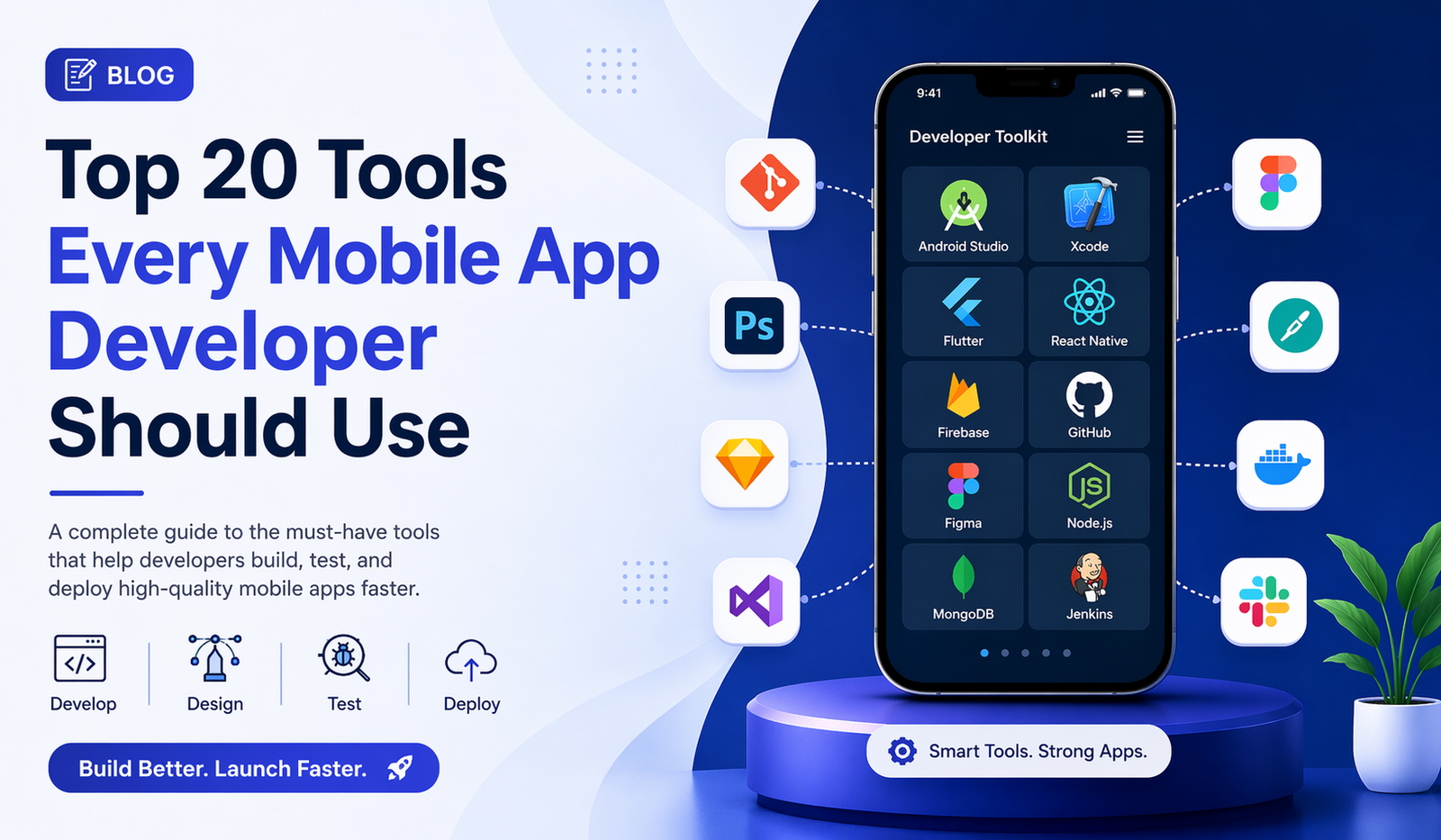
Top 20 Tools Every Mobile App Developer Should Use
Building a successful mobile app today is not just about coding — it’s about using the right tools that speed up development, improve performance, and ensure a smooth user experience. Whether you’re creating Android, iOS, or cross-platform apps, the right toolkit can save hours of work and help you deliver a high-quality product.
In this guide, we’ll explore 20 essential tools that every mobile app developer should consider using. These tools cover everything from design and development to testing and deployment, making your workflow more efficient and scalable.
Choosing the Right Development Partner
While tools play a huge role, the expertise behind them matters even more. Many businesses prefer working with experienced agencies to ensure their app is built efficiently and meets market standards. If you’re looking for a reliable partner, finding the best mobile app development company in Chandigarh can help you combine the right tools with professional expertise to build scalable and high-performing apps.
Why Choosing the Right Tools Matters
Mobile app development has evolved rapidly. With increasing competition, users expect fast, secure, and visually appealing apps. Using outdated or inefficient tools can slow down your process and affect app quality.
The right tools help you:
- Reduce development time
- Improve code quality
- Enhance UI/UX design
- Streamline testing and debugging
- Simplify deployment
Development Frameworks & IDEs
1. Android Studio
The official IDE for Android development, offering powerful debugging, code editing, and performance tools.
2. Xcode
Apple’s official IDE for iOS app development, essential for building apps for iPhone, iPad, and Mac.
3. Flutter
A popular cross-platform framework by Google that allows you to build apps for both Android and iOS using a single codebase.
4. React Native
Developed by Facebook, it enables developers to create mobile apps using JavaScript and React.
5. Xamarin
A Microsoft-backed framework for building cross-platform apps using C#.
UI/UX Design Tools
6. Figma
A cloud-based design tool perfect for collaboration and creating modern app interfaces.
7. Adobe XD
Great for designing prototypes and user flows with interactive features.
8. Sketch
A widely used design tool for macOS, ideal for UI/UX designers working on mobile apps.
Backend & Database Tools
9. Firebase
A complete backend solution by Google that provides authentication, database, analytics, and hosting.
10. MongoDB
A NoSQL database that is flexible and scalable for mobile applications.
11. Node.js
Used for building fast and scalable backend services for mobile apps.
Version Control & Collaboration
12. Git
The most widely used version control system that helps track changes in your code.
13. GitHub
A platform for hosting repositories, collaborating with teams, and managing code efficiently.
Testing & Debugging Tools
14. Appium
An open-source tool for automating mobile app testing across platforms.
15. TestFlight
Used for beta testing iOS apps before releasing them to the App Store.
16. Charles Proxy
Helps in debugging network-related issues by monitoring API requests and responses.
Performance & Analytics Tools
17. Google Analytics for Firebase
Provides deep insights into user behavior and app performance.
18. Crashlytics
A real-time crash reporting tool that helps you fix issues quickly.
Deployment & CI/CD Tools
19. Jenkins
An automation server used for continuous integration and delivery.
20. Bitrise
A CI/CD platform specifically designed for mobile app development workflows.
Final Thoughts
Mobile app development is a dynamic field, and staying updated with the latest tools is essential for success. The tools mentioned above are not just popular — they are trusted by developers worldwide for building robust, scalable, and user-friendly applications.
Instead of relying on a single tool, the key is to create a balanced tech stack that fits your project requirements. By combining the right frameworks, design tools, testing solutions, and deployment platforms, you can significantly improve both your development speed and app quality.









0 Comments