
What Is DNS Cache and How to Clear It
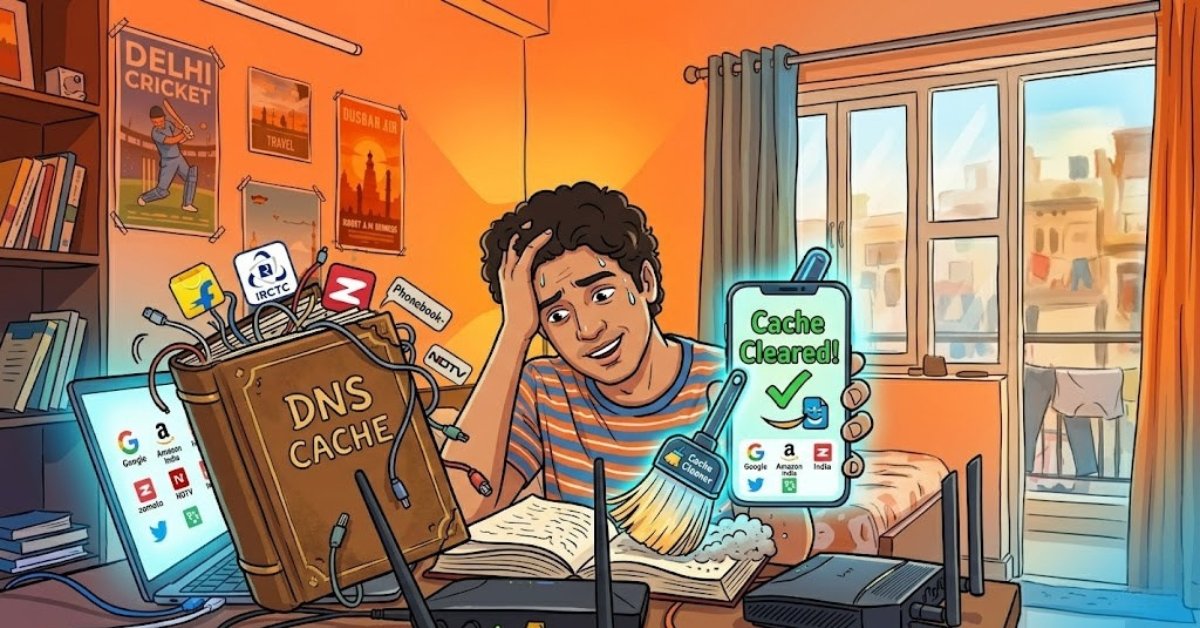
Ever faced that frustrating moment when a website won't load, even though your internet is working fine? I've been there too—especially while binge-watching shows or checking cricket scores late at night in Delhi. Turns out, it's often the DNS cache playing tricks. Don't worry, I'll walk you through what it is and how to dns cache clear step by step, in simple words anyone can follow.
What Exactly Is DNS Cache?
DNS, or Domain Name System, acts like the internet's phonebook. It translates easy names like pmnetworking.in into complex IP addresses your browser needs.
DNS cache is your device's temporary memory storing these recent lookups. It speeds things up by avoiding fresh queries every time.
But here's the catch: outdated cache can point to wrong servers, causing errors like "page not found."
Why Clear DNS Cache? Common Issues
In India, with our frequent ISP changes—like switching from Airtel to Jio—or website updates during heavy traffic (think festive sales), cache gets stale fast.
- Stuck on old versions of sites like Flipkart or IRCTC.
- Slow loading despite good speed.
- Error 404 or "host not found" messages.
- Security risks from poisoned cache entries.
Clearing it forces a fresh lookup, just like restarting your router during a cricket match blackout.
When Should You Clear DNS Cache?
Do it when:
- Websites load partially or show outdated info.
- After changing DNS providers (Google DNS is popular here: 8.8.8.8).
- Troubleshooting VPN issues on apps like NordVPN.
- Frequent browsing glitches on mobiles or laptops.
It's safe and quick no data loss. In our hot, dusty Indian summers, devices overheat too; this is a simple cool-down trick.
How to Clear DNS Cache on Windows
Most Indians use Windows laptops for work or studies. Here's the easy way:
- Press Windows key + R, type cmd, hit Ctrl+Shift+Enter for admin mode.
- In the black window, type: ipconfig /flushdns and press Enter.
- You'll see "Successfully flushed the DNS Resolver Cache." Done!
Works on Windows 10, 11—perfect for your Dell or HP.
For older versions like Windows 7: Same steps, just search "cmd" in Start menu.
Clear DNS Cache on macOS
Apple users in metros like Mumbai swear by this:
- Open Terminal (Spotlight search: Cmd + Space, type "Terminal").
- For macOS Big Sur+: sudo dscacheutil -flushcache; sudo killall -HUP mDNSResponder
- Enter your password when asked.
Restart browser. Quick as chai!
Clear DNS Cache on Linux (Ubuntu Popular in India)
Linux fans, especially for ethical hacking courses:
- Open Terminal (Ctrl+Alt+T).
- Run: sudo systemd-resolve --flush-caches
- Verify: systemd-resolve --statistics
Or for older setups: sudo /etc/init.d/nscd restart
Clear DNS Cache in Browsers
Even after system flush, browsers hold their own cache:
Chrome/Edge:
- Type chrome://net-internals/#dns in address bar.
- Hit Clear host cache.
Firefox:
- Go to about:networking#dns, click Clear DNS Cache.
Safari: Empty cache via Develop menu (enable in Preferences).
Mobile: Android and iPhone
On Android (Samsung, OnePlus):
- Go to Settings > Apps > Chrome > Storage > Clear Cache.
- Or restart device—flushes most temp data.
iPhone: Offload app or restart. For deeper clean, use apps like "Network Analyzer."
Pro tip: In India, toggle Airplane mode for 10 seconds mimics a flush!
Advanced Tips for Indian Users
- Use public DNS like Google (8.8.8.8) or Cloudflare (1.1.1.1) for faster, safer browsing amid net fluctuations.
- Combine with ipconfig /release then ipconfig /renew for full reset.
- Tools like CCleaner have one-click DNS flush.
Want to master this? Check online courses on PM Networking for hands-on Networking basics they cover DNS in their beginner modules.
Troubleshooting If It Doesn't Work
Still issues?
- Restart your modem/router (unplug 30 secs).
- Check for malware with free tools like Malwarebytes.
- Contact your ISP—MTNL or BSNL outages are common.
Clear DNS cache regularly, say monthly, to keep things smooth.
There you have it - your simple guide to banishing DNS woes. Next time Ola won't load or Paytm glitches during bill pay, you'll fix it in seconds. Stay connected, stay safe online. Questions? Drop them below!










0 Comments