
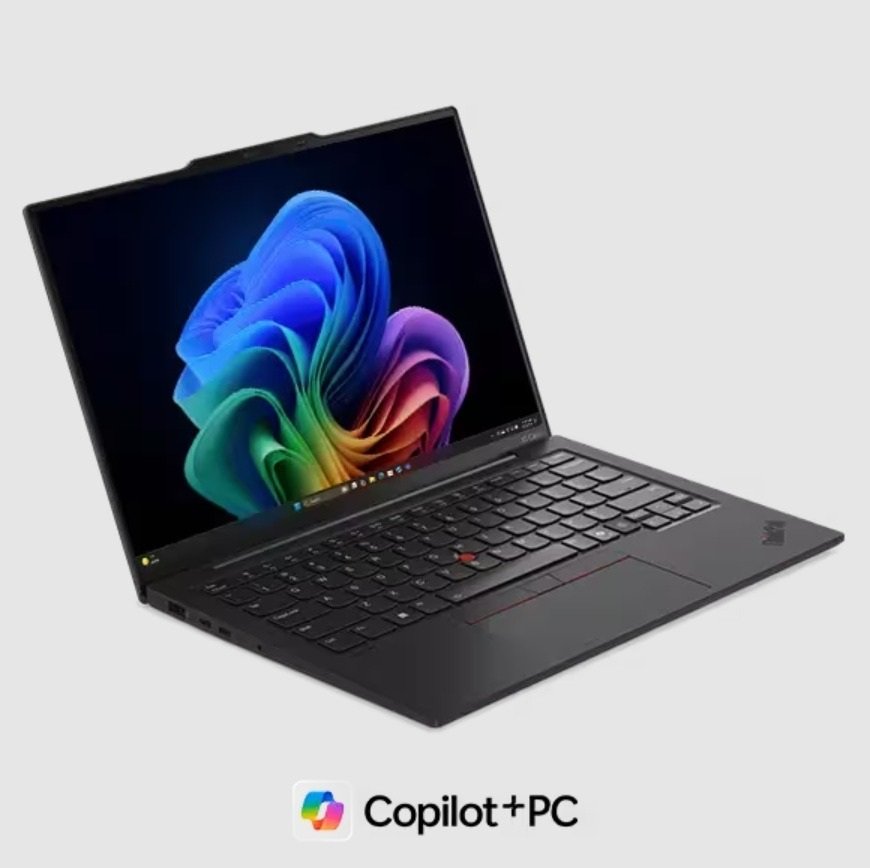
7 Ways Adaptive AI Turns Your PC Into a Personal Companion
Your PC feels smarter today because Adaptive AI learns how you work. A recent IDC report says that AI PCs will account for nearly 60% of all PC shipments by 2027.
This demand grows every year. People want speed and accuracy. They also want a device that feels helpful. Adaptive AI brings this change. It studies your habits in safe ways. It reacts fast. It makes your tasks simple. It works with tools found in the best AI PCs.
This shift continues to grow because users want more control. They want tech that feels friendly. They want a system that works with them. This makes your PC feel like a true partner.
Keep reading to learn seven ways adaptive AI turns your PC into a personal companion.
1. Your PC Learns Your Daily Patterns With Precision
Adaptive AI studies user behavior in real time. It reads app usage frequency. It tracks workload cycles. It analyzes input speed. These data points help the system adjust tasks and resource flow. Many of the best AI PCs use predictive models that run small workloads on local neural engines. This reduces delay and boosts accuracy. It also supports better app readiness.
Pattern Learning Makes Your Work Flow Faster
Your PC sets the right tools at the right time. It keeps your top apps active in memory. It boosts CPU cores for heavy tasks. It reduces load when the system sees lighter actions. This creates a smooth feel. It supports schoolwork and creative work with ease. Users stay focused because the PC reacts fast.
2. Real-Time Optimization Keeps System Performance Steady
Adaptive AI monitors CPU threads. It checks RAM usage. It studies thermal limits. It also measures background processes. This helps the system allocate power more efficiently. Many of the best AI PCs use hardware-based AI accelerators that shape performance settings without delay. This keeps the system steady during long sessions.
Why Real Time Optimization Matters for Everyone
Fast response builds trust. Your PC stays sharp when you switch between apps. It handles large downloads. It supports video work. It also keeps heavy tasks smooth. This steady action boosts comfort for students and workers. Users feel confident because the PC does not slow down.
3. Smart Security Learns and Protects at the Same Time
Adaptive AI builds protection through behavior tracking. It identifies risky patterns. It checks unusual login times. It detects unknown processes. It blocks harmful files in early stages. Many of the best AI PCs use on-device AI firewalls that learn from user activity. This gives better safety without extra delay.
Security That Grows Stronger With Every Use
Your PC knows your normal flow. It checks new installs. It reacts fast when something feels unsafe. It keeps protection up to date. It shields kids during browsing sessions. It guards personal files with steady checks. This gives users peace of mind and a safe space to work and learn.
4. Natural Input Support Makes Control Easy and Fun
Adaptive AI improves voice input. It reads tone and clarity. It also understands simple hand motions. This lets users open apps or adjust system settings without touching a device. It helps during lessons. It helps during busy moments. It also supports users with mobility needs.
Input That Feels Human and Friendly
Young users get simple control. Creators get fast access. Busy workers get hands-free actions. The PC listens and responds. This builds warmth and comfort. It makes tech feel closer to the user.
5. Personalized Learning That Adjusts to Your Skill Level
Adaptive AI checks reading speed. It checks quiz results. It checks focus time. It uses this data to shape learning tools. Many of the best AI PCs include local learning models that adjust instructions based on user performance. This makes learning smoother and less stressful.
Why Personal Learning Paths Help You Grow
Users learn at their own speed. They feel supported instead of rushed. The system gives balanced challenges. It also sends small reminders that help students keep track of goals. This boosts confidence. It keeps users motivated. It shapes better learning habits.
6. Creative Tools That Help You Build New Ideas
Adaptive AI improves design features. It looks at drawing patterns. It studies editing choices. It recommends color sets and layout ideas. It also fixes small mistakes. This helps new creators feel strong. It helps skilled creators save time.
A Creative Space That Feels Easy and Helpful
You draw with better accuracy. You edit photos with clear guidance. You write with smooth support. Your PC becomes a space where ideas grow fast. It works with you step by step.
7. Energy and Battery Management That Thinks Ahead
Adaptive AI reduces power use during light tasks. It boosts power during intense work. It learns your daily schedule. Many of the best AI PCs use AI-based power managers that balance power draw and thermal output. This helps the device stay cool and ready for long days.
Smart Energy Use Gives Your Device a Longer Life
Your PC stays stable. It works without strain. It lasts through long study hours. Kids and humans enjoy steady use. This balance builds trust. It also supports a more eco-friendly way to use tech.
A Conclusion That Feels Bright and Connected
Adaptive AI lifts your PC from a simple device to a partner that understands your day. It learns your habits. It reacts in real time. It speeds up your tasks. It boosts learning. It guards your safety. It also manages power with care.
These features make your tech feel friendly. They make it feel ready. They make it feel personal. You get comfort. You get steady help. You get a PC that grows smarter as you grow. This brings confidence to every task. Adaptive AI builds a future where your PC stands by your side and supports you every step of the way.





0 Comments