
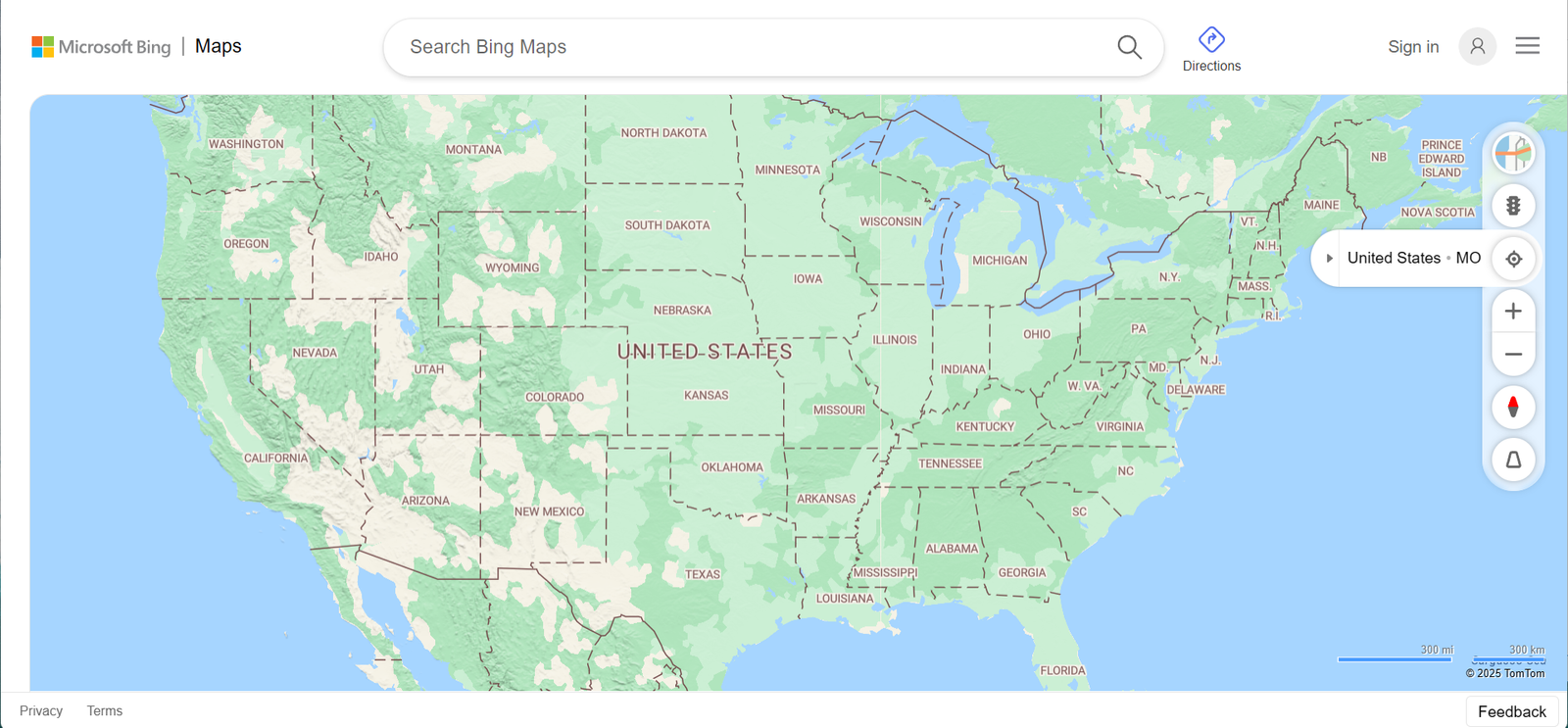
MapQuest Driving Directions: Simple, Reliable, and Still Getting People Where They Need to Go
When people talk about navigation apps today, they usually jump straight to flashy features, real-time crowd data, and constant rerouting. But long before all of that noise, Mapquest driving directions were already solving the core problem: helping people get where they need to go without stress. And despite being one of the oldest names in digital mapping, MapQuest is still quietly doing its job—and doing it well.
At its foundation, MapQuest driving directions are refreshingly straightforward. You enter your starting point and destination, and within seconds you get clear, step-by-step instructions. Distance, estimated travel time, and route summaries are displayed upfront, not buried behind menus. There’s no pressure to create an account, no forced onboarding, and no unnecessary distractions. It’s navigation stripped down to its essentials.
One of MapQuest’s strongest features is route flexibility. Instead of pushing a single “best” route, it gives drivers choices. You can prioritize the fastest route, the shortest distance, or avoid highways and toll roads entirely. This is especially useful for drivers who want control rather than blind automation. If you know your area or have personal preferences, MapQuest respects that.
Planning trips is where MapQuest really shines. While many modern navigation tools focus heavily on real-time driving, MapQuest excels before you even leave the house. Multi-stop routes are easy to set up, making it ideal for road trips, errands, delivery routes, or event planning. You can see the full journey at once, adjust stops, and understand the flow of the drive without constantly zooming in and out.
Traffic information is built in, using color-coded overlays to show congestion, slowdowns, and incidents. While it may not react as aggressively as crowd-sourced apps, it still provides reliable awareness of major delays. For many drivers, this is actually a benefit—less frantic rerouting, fewer sudden changes, and a more predictable drive.
Another underrated feature is gas price visibility. MapQuest highlights fuel costs along your route, helping you make smarter stops during longer drives. With gas prices fluctuating constantly, this practical detail can save money over time, especially for frequent drivers or road trippers.
MapQuest also maintains a strong desktop experience, which sets it apart in a mobile-first world. Printable driving directions are still available, and that matters more than people think. Rural areas, poor signal zones, older drivers, or even backup planning scenarios all benefit from having a physical or offline reference.
What MapQuest does not try to be is everything at once. It doesn’t overload you with pop-ups, social features, or aggressive data collection. It doesn’t constantly change routes unless there’s a clear reason. That stability builds trust. You get a plan, you follow it, and you arrive.
In a world where navigation apps often feel chaotic, MapQuest driving directions feel calm. Familiar. Reliable. It may not be the loudest option, but it’s one of the most dependable. And sometimes, when you’re just trying to get somewhere without drama, that’s exactly what you want.
Traffic data is included as well, with color-coded congestion indicators that help you anticipate delays. While it may not update as aggressively as crowd-sourced apps, it still provides a solid overview of traffic conditions, accidents, and construction zones—enough for most everyday driving decisions.
Another quietly useful feature is gas price tracking along your route. With fuel costs fluctuating constantly, knowing where cheaper gas stations are can save money over long drives. It’s not flashy, but it’s practical—and that’s very much MapQuest’s personality.
MapQuest driving directions also work well for users who prefer desktop navigation. Unlike many modern tools that push mobile apps first, MapQuest’s web experience remains strong. Printable directions are still available, which is surprisingly valuable in rural areas, for older drivers, or when mobile signals are unreliable.
That said, MapQuest isn’t trying to outsmart you. It won’t constantly reroute you every time traffic slows slightly. Some drivers actually prefer this stability—it means fewer distractions and less second-guessing mid-drive. You get a plan, and you stick to it.






0 Comments